

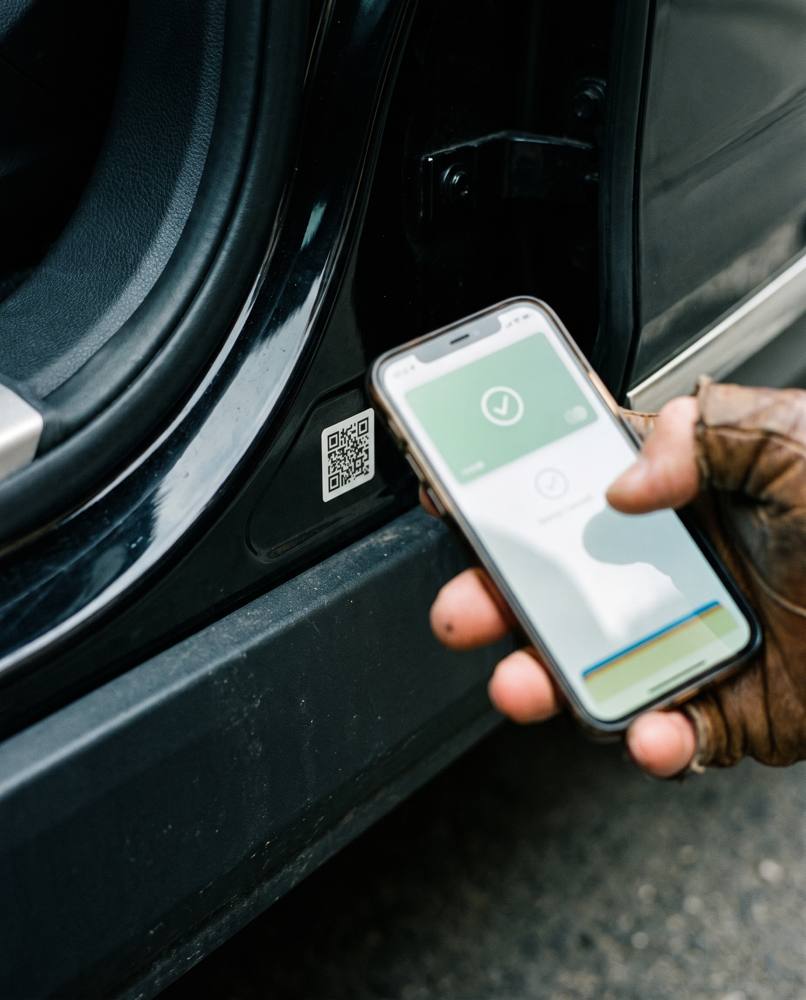



How warranty activation works
Activation links your warranty to your car. It’s done once, right after install.
Find the QR code
It’s on your warranty card or product documentation. Use the activation code, not the verification code on the box.
Open your phone camera
Point it at the QR code. Most phones read it without an app.
Open the activation page
Tap the link that appears. The activation page opens with your code already filled in.
Enter your details
Add your contact details, the car and the installation details. Your installer can help with the studio name and date.
Confirm
You’ll see a green confirmation. Your warranty is now on record, and the verification code will show it.
If something goes wrong
“Already activated”
The code has been used. If you didn’t activate it, contact us with your proof of purchase.
“Code not found”
Check the code was typed exactly as printed. Codes are letters and numbers, with no spaces.
QR won’t scan
Try better light, or type the code in on the activation page instead.